Start with one simple equation
In x + 3 = 8, subtract 3 from both sides and simplify to x = 5. The app records the transformation. Undo rolls back both the equation and its history.

Equation Visualizer
iPhone · iPad
Move a coloured term, coefficient or denominator and see a linear equation change. Each valid move leaves a step you can revisit.
x + 3 = 8
x + 3 − 3 = 8 − 3
x = 5
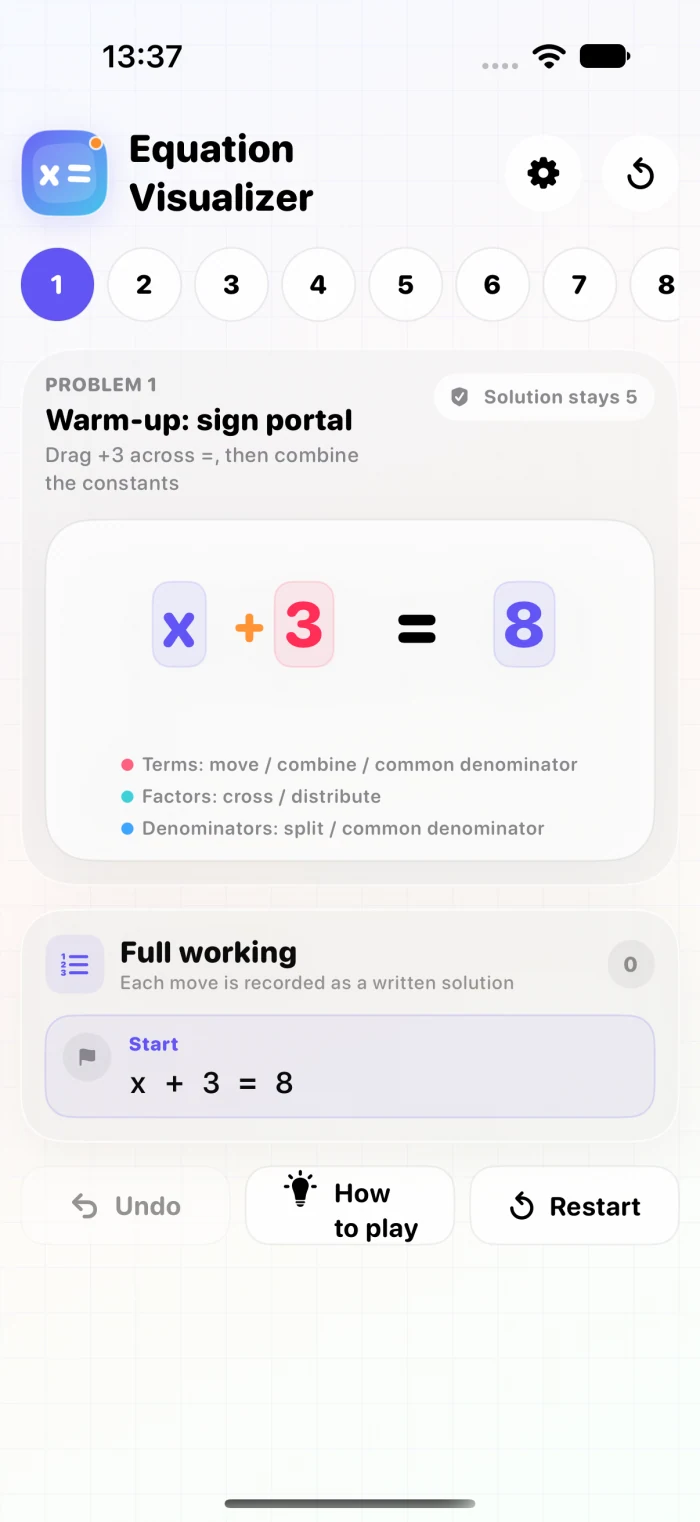
Coloured parts show what you can move. The equation and the resulting steps stay on the same page.
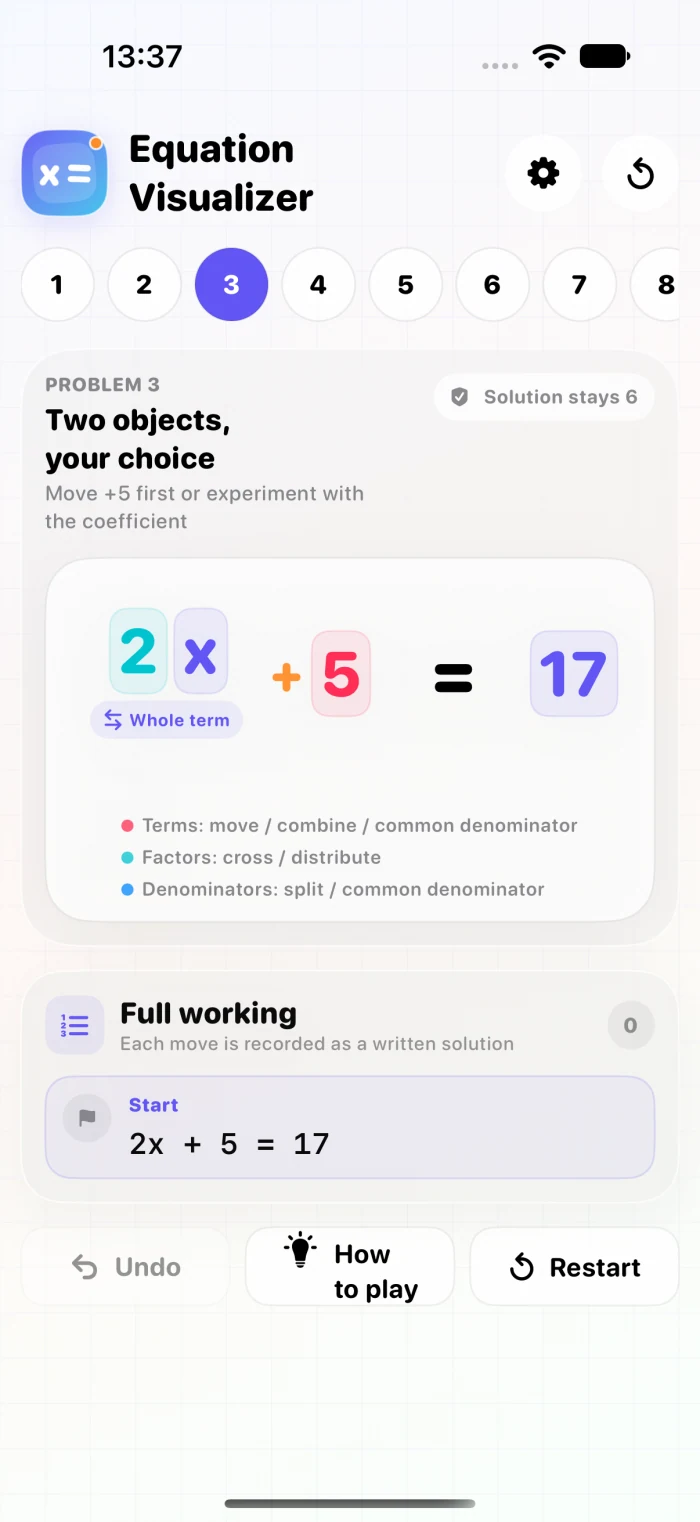
Practise rearranging, distributing and collecting like terms on different problems and see how valid moves lead to the same solution.
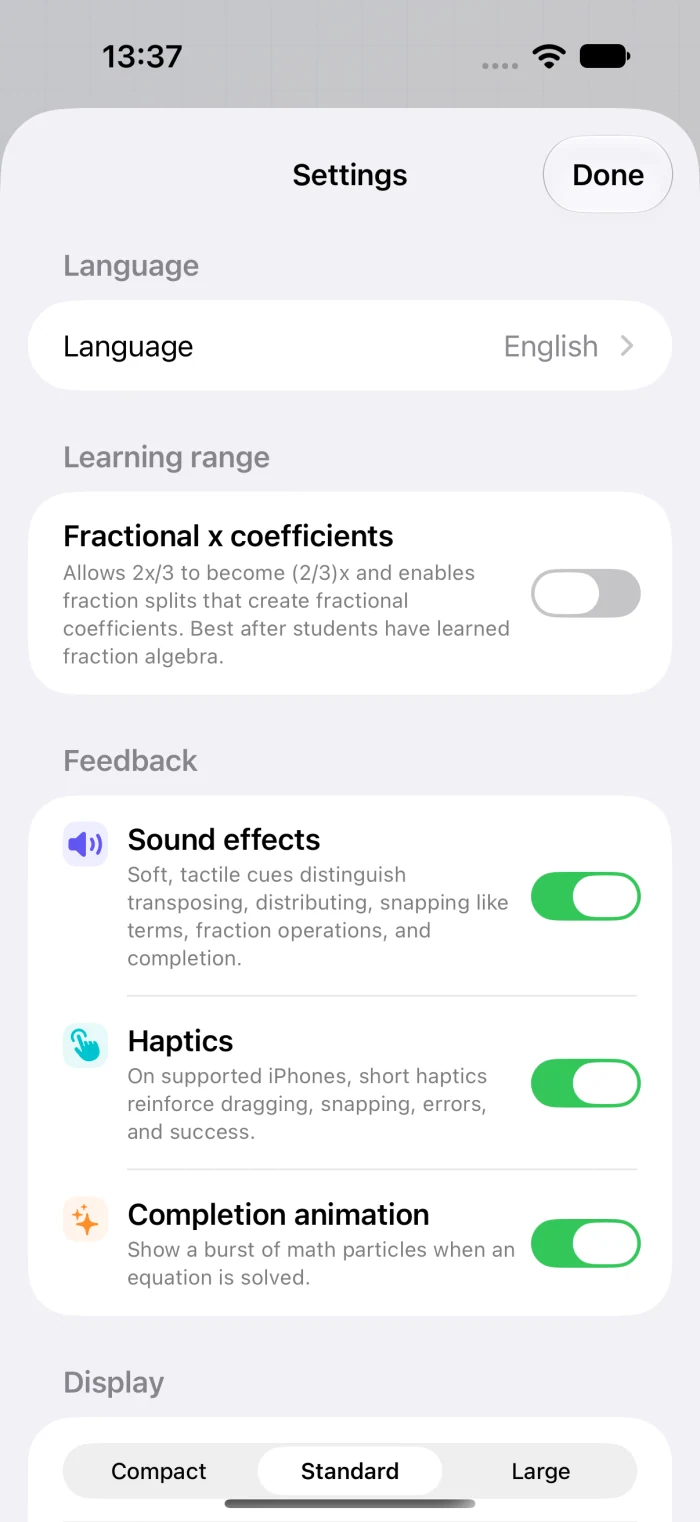
Adjust display size, sound and hints, and choose whether to allow more advanced fractional coefficients.
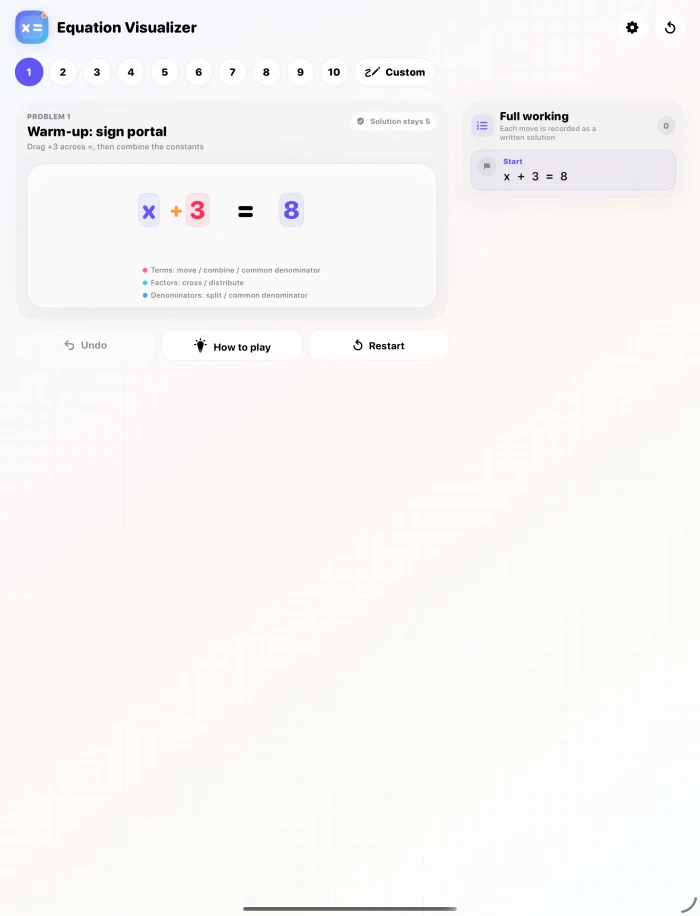
The wider layout gives you room to work on the equation and follow the recorded steps alongside it.
In x + 3 = 8, subtract 3 from both sides and simplify to x = 5. The app records the transformation. Undo rolls back both the equation and its history.
Ten built-in exercises progress through rearranging terms, distributivity, collecting like terms, splitting fractions, common denominators and reduction.
Type a linear equation or select it in a photo. Text recognition runs on the device and you can correct the result before loading it. The app is free and works offline.
With a bracketed expression, drag the coefficient over the group to distribute it. Fractions can use a common denominator, clear denominators using the LCM or cancel when valid. Each move follows linear algebra rules, so you can compare two valid routes through the same equation.
The log starts with the original equation and adds each valid move. Arithmetic simplification updates that step. Undo rolls back the equation and its log together. The exercise is complete when one side is x and the other is its value.
Select or take a photo, crop to the full equation, then check the detected text before solving. Stacked fractions can be corrected with a slash in the editor. The ten built-in exercises, custom editor and image recognition all work offline.
Enter a linear equation in one variable or capture one from a photo. You can correct the detected text before solving.
Yes. Built-in exercises, custom input and image text recognition all work offline on the device.