Find a spot for the record
Drag the floating record next to a window or into a corner, or hide it temporarily from the menu bar. Visibility and position preferences stay on this Mac.
Floating Vinyl
macOS 14+
Drag the record where it fits. When it detects audio playing on your Mac, it moves with the sound. Use the menu bar to decide when it appears.

The record can float above your work. Put it where it fits, then let it move with system audio.
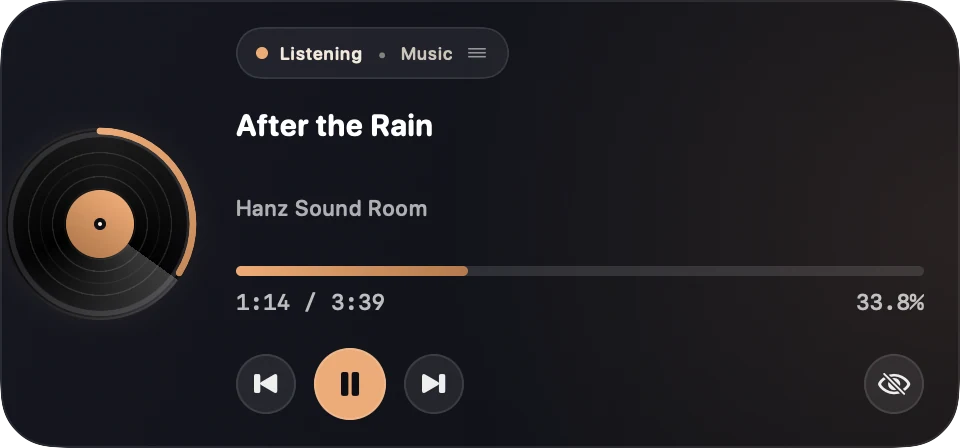
Hover for track information and controls. Those features depend on a compatible local media helper.
Sample data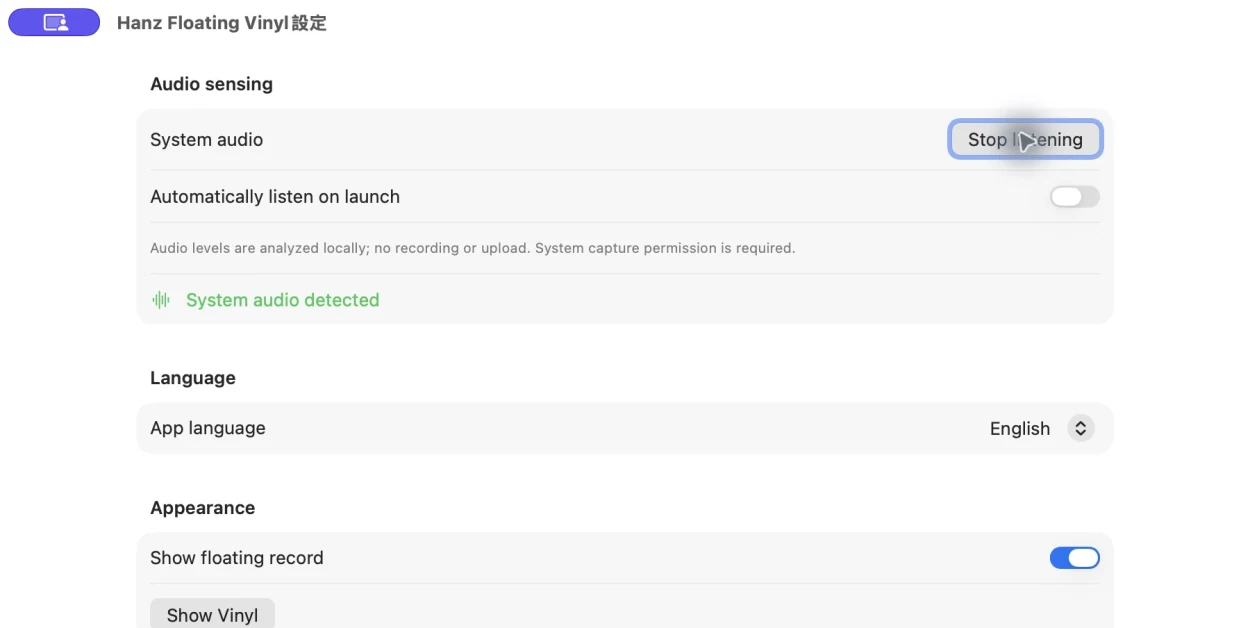
Adjust audio detection, display preferences and the media connection separately. System audio is used to calculate animation intensity.
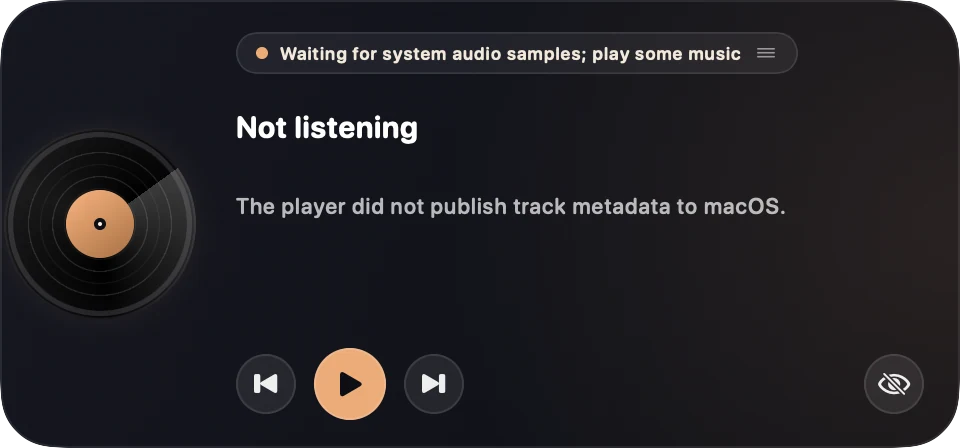
When there is no track, the expanded panel shows the media connection state. You can move or hide the record with audio detection off.
Drag the floating record next to a window or into a corner, or hide it temporarily from the menu bar. Visibility and position preferences stay on this Mac.
Turn on audio detection from the menu bar. The app measures system output level in Mac memory to drive the animation. The record settles when audio stops.
Audio detection uses macOS Screen & System Audio Recording permission. Floating Vinyl uses the audio level for animation and does not save or upload samples.
The compact state shows a record. Hover for track information and controls. Drag the record or the empty area of the expanded card. The transport buttons act independently. Let the card collapse again to give your working window room.
The record reacts to the level of macOS system audio. Track names, progress and previous/play-pause/next depend on a local media helper. Settings shows its connection status. You can still move, hide and show the record and control audio detection without it.
Bring the record back from the menu bar, and manage display and audio access in Settings. System audio is used to measure the level needed for animation. Audio samples are not stored.
Yes. You can still show, move and hide the record. Audio access enables the sound-reactive animation.
Connect a compatible local media helper to see track information in the expanded player.