Which lens are you shooting through?
Eight equivalent focal lengths run from 13 to 200 mm. The viewfinder identifies optical capture, sensor crop or digital crop based on the lenses and format in use.

Pro Camera
iPhone
An iPhone camera built for stills. See the physical lens, crop method and available RAW format before you take the shot.
App interface shown in Traditional Chinese
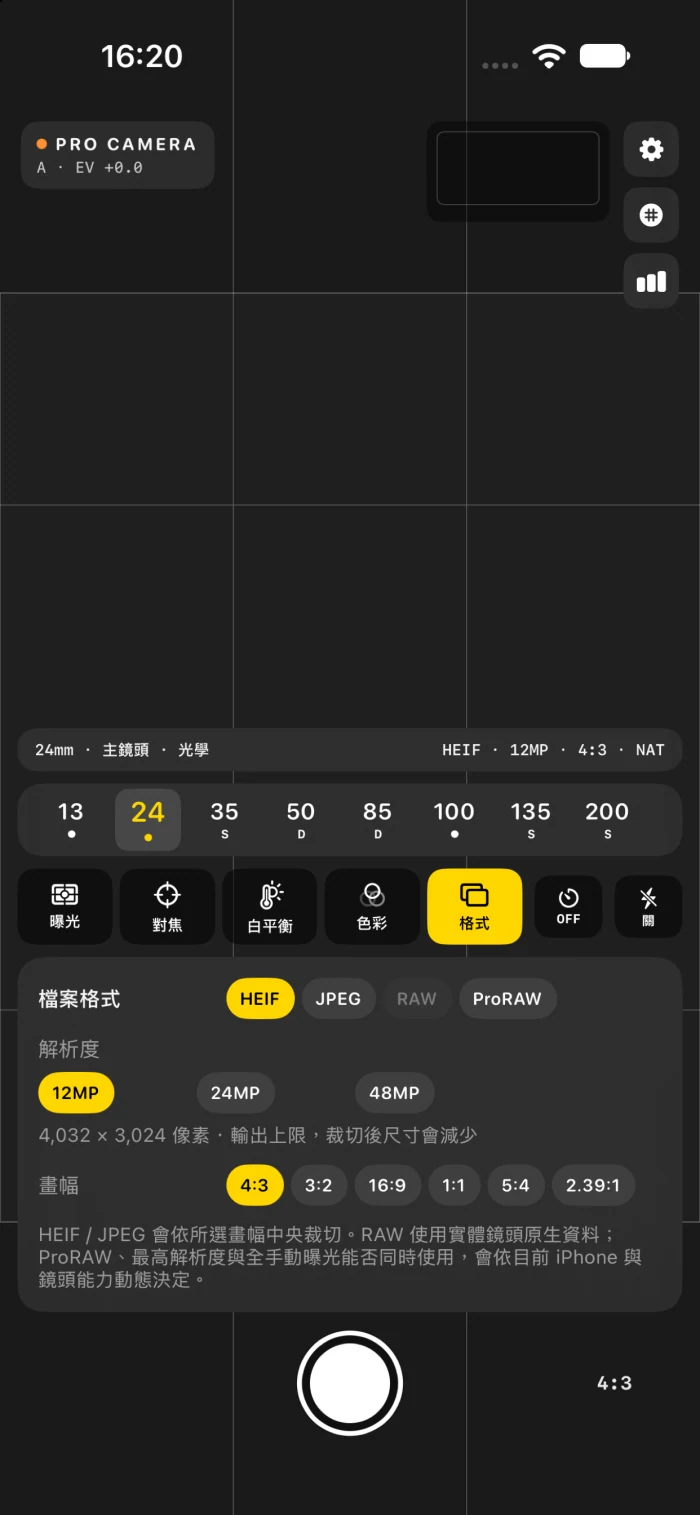
Equivalent focal lengths sit below the viewfinder. As you change lenses and formats, check the displayed optical or crop method.
App interface shown in Traditional Chinese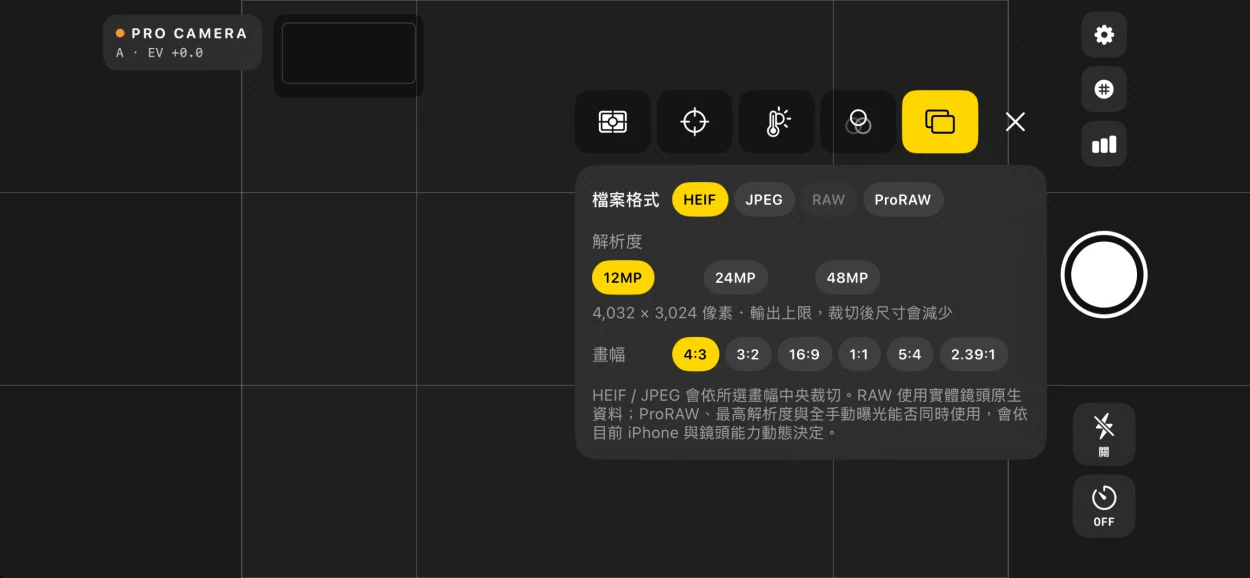
The format panel puts HEIF, JPEG, RAW and available resolutions together. Check what the active lens supports before choosing RAW.
App interface shown in Traditional Chinese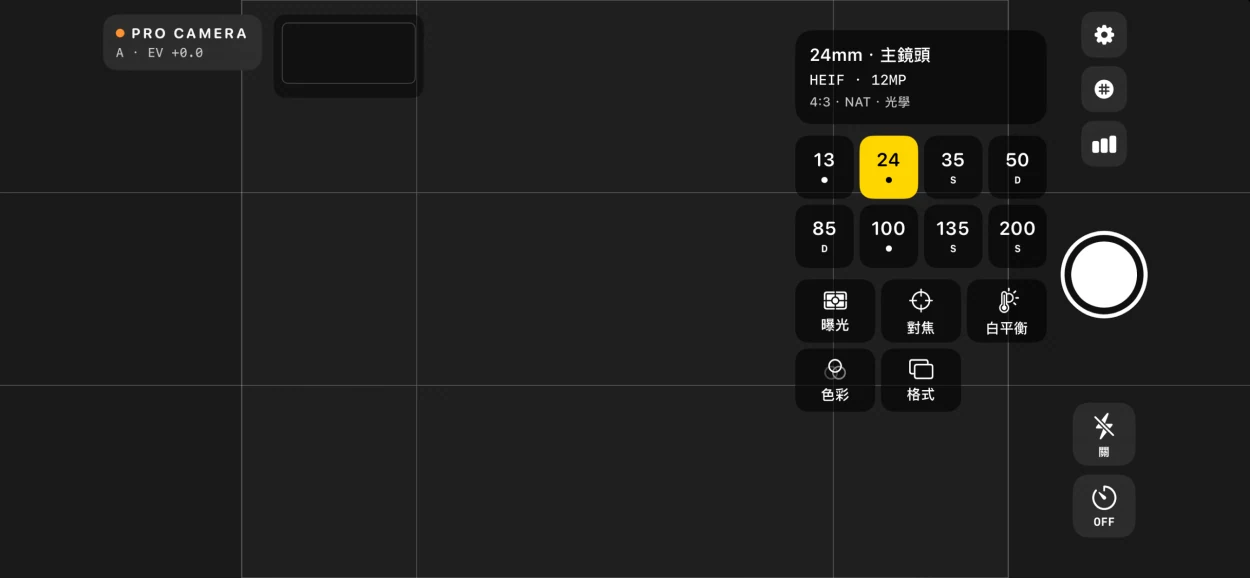
Landscape places the same settings on the shutter side and keeps the viewfinder clear. Change exposure, focus, white balance or aspect ratio there.
App interface shown in Traditional Chinese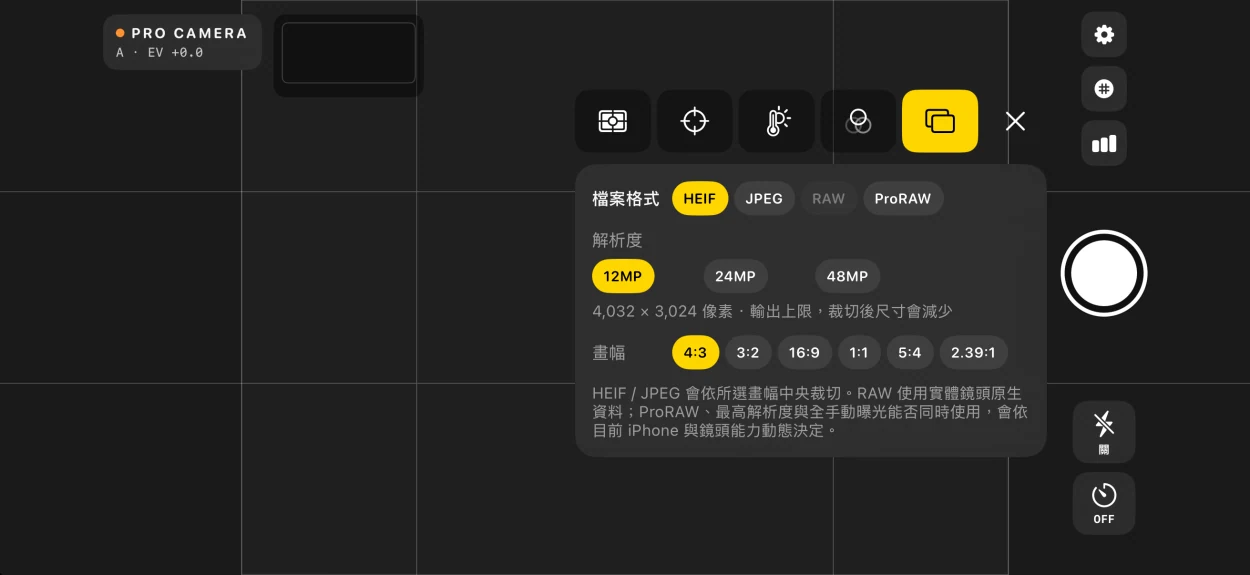
For a wide finished image, choose the ratio and then check the output resolution. The available options change with lens and file format.
App interface shown in Traditional ChineseEight equivalent focal lengths run from 13 to 200 mm. The viewfinder identifies optical capture, sensor crop or digital crop based on the lenses and format in use.
Use auto or manual exposure, then adjust shutter, ISO, EV, focus and white balance. Check the histogram and highlight or shadow warnings before committing to a shot.
Shoot HEIF or JPEG, or use Bayer RAW and Apple ProRAW where supported. Choose frame ratios including 4:3, 3:2 and 2.39:1, and explore ten original colour and monochrome recipes.
Focal length describes framing. Which setting can use the ultra-wide, main or telephoto camera depends on the device and capture format. The viewfinder identifies the capture method and lists the resolutions available for that lens. Changing physical lenses refreshes the available formats.
The histogram shows brightness distribution. Highlight and shadow warnings locate areas likely to lose detail, and the focus panel provides a sharpness indicator. Lock white balance or set temperature and tint manually. On supported iPhones, Camera Control can shoot or adjust focal length, shutter, ISO or focus.
HEIF and JPEG can save a centre crop at your chosen aspect ratio. Use Bayer RAW or Apple ProRAW for editing when the hardware and lens support it. Variable aperture appears only when the active capture format exposes it.
It depends on your iPhone, the active lens and output settings. Open the format panel after switching to see what is available.
On compatible iPhones, Camera Control can take photos. In Settings, you can assign focal length, shutter speed, ISO or focus.