Log what you’re doing
Give each activity a name, colour and icon. Start, pause, resume or stop on iPhone or Watch. Add or edit a record later if you forgot to log it.
Time Ledger
iPhone · Apple Watch
Start at your wrist and review on iPhone. Time study, work and breaks separately, then open the ledger to see where the week went.
App interface · sample data
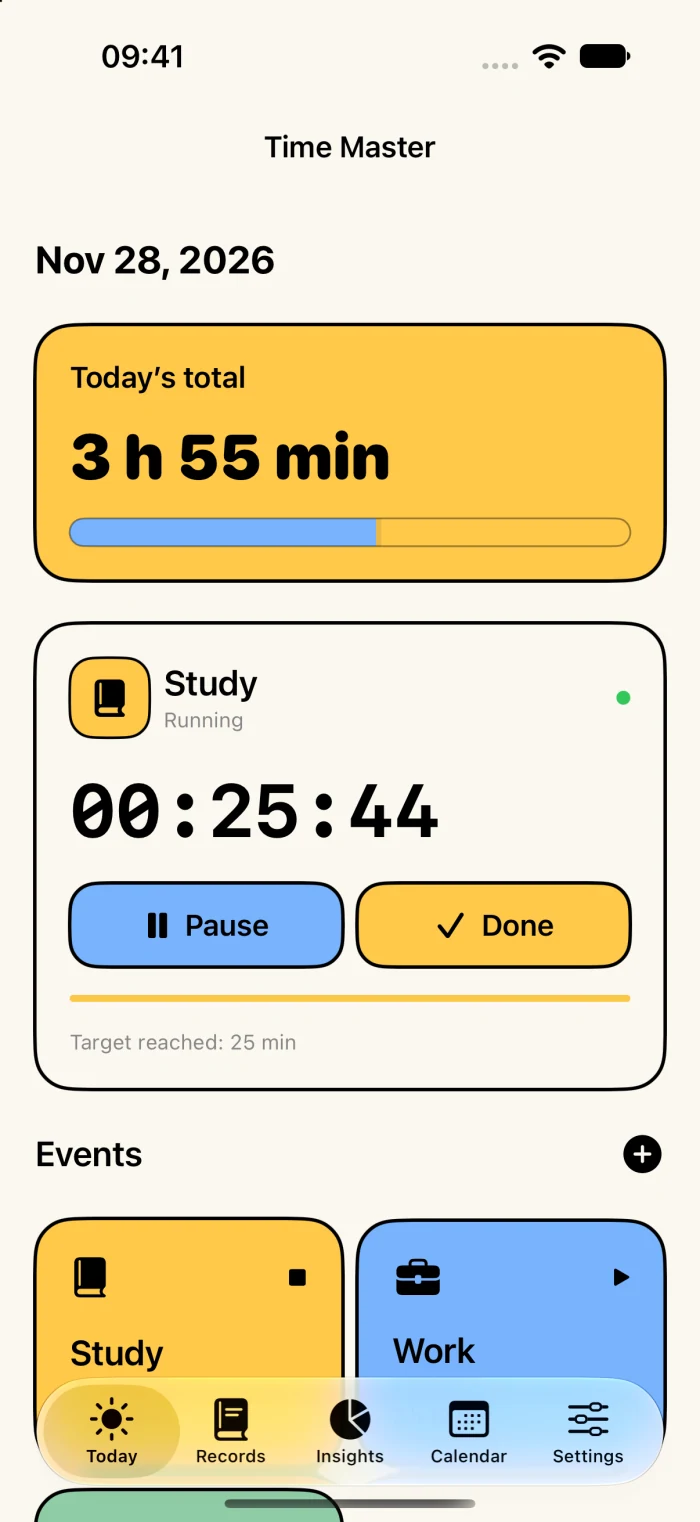
Today keeps the live timer and the time you’ve already logged in one view.
Sample data
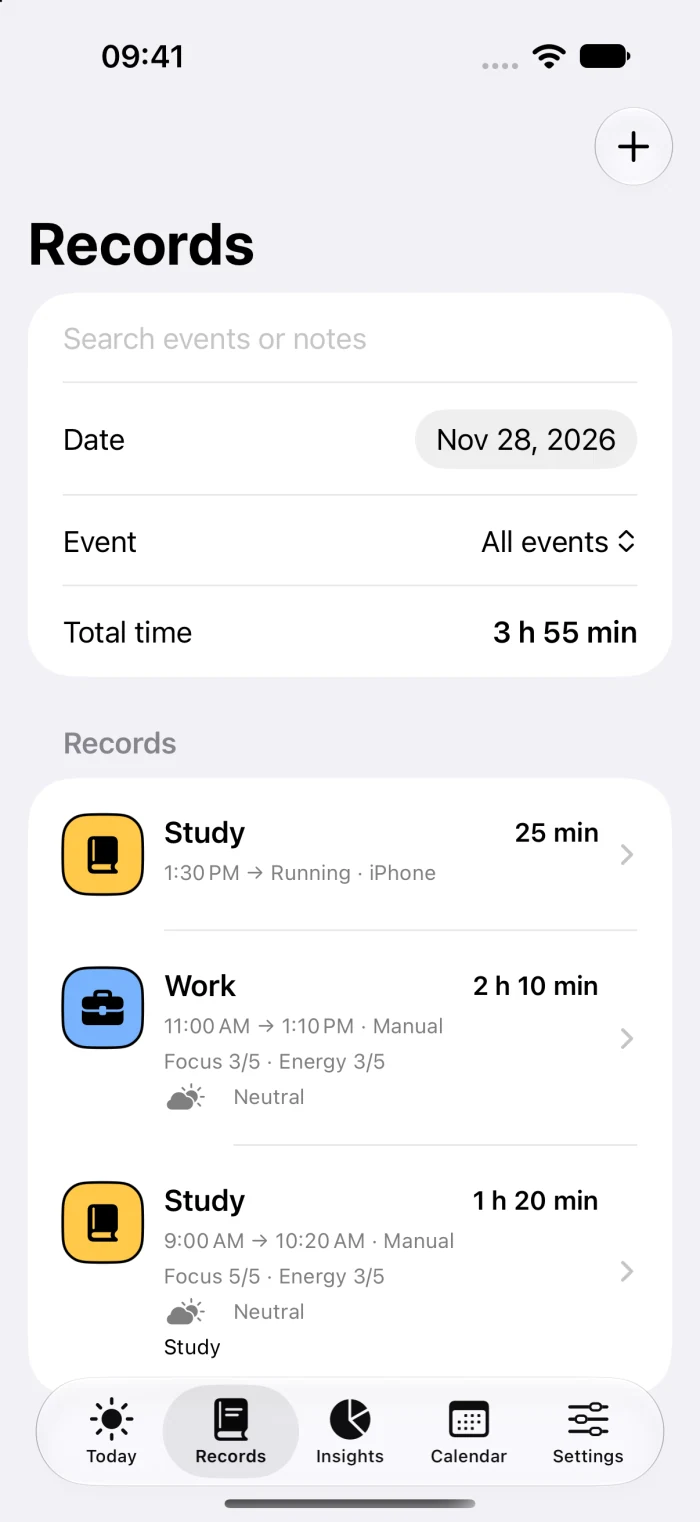
Correct a start or end time, add a session you forgot to time, and leave a note in Records.
Sample data
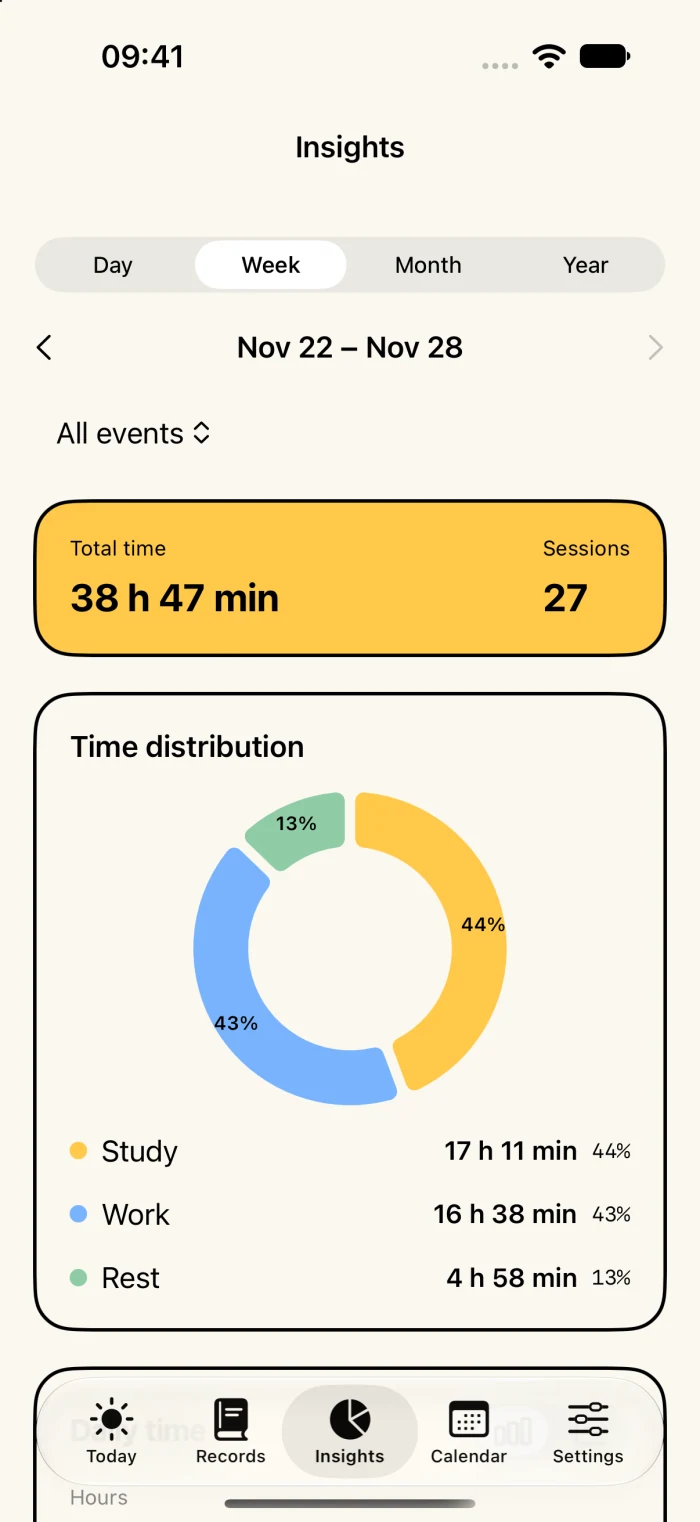
The allocation chart shows the share of time by activity. Change the period to compare weeks or months.
Sample data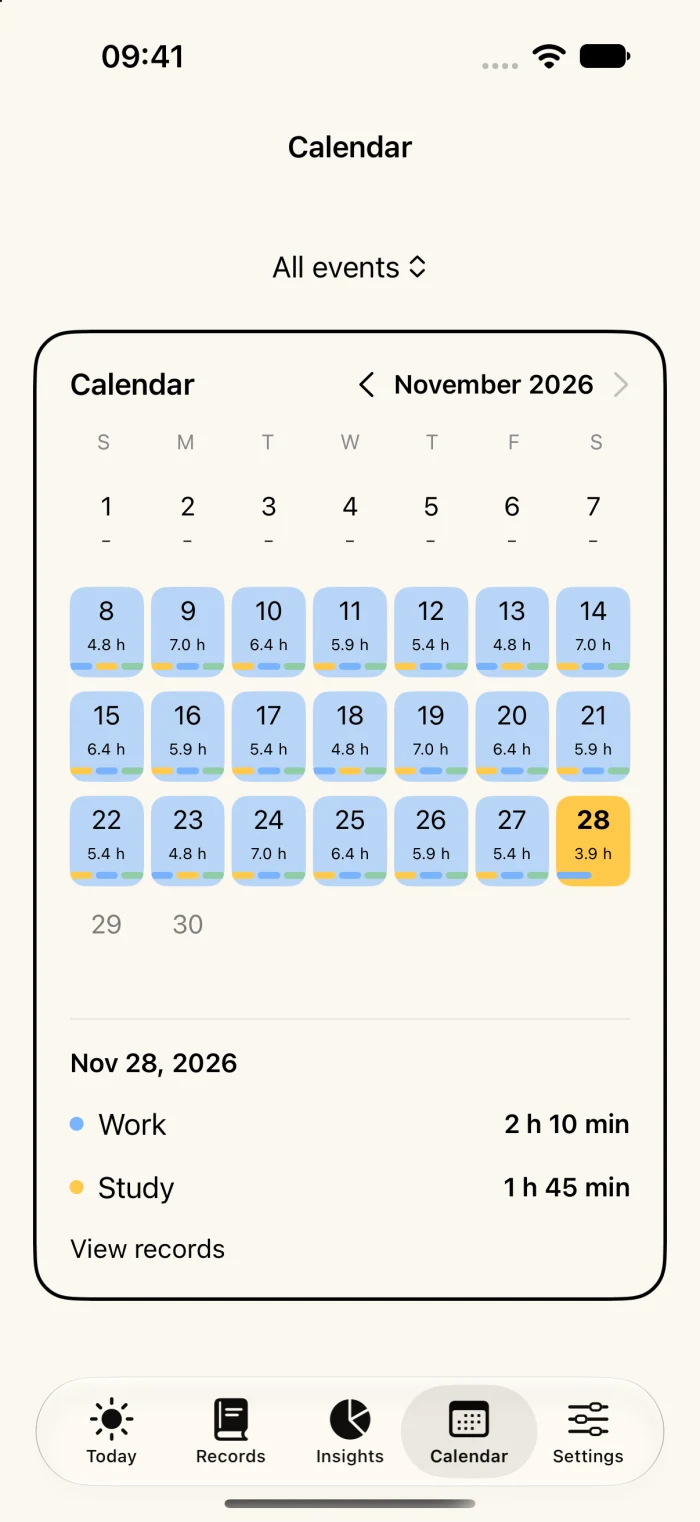
Jump to a date in the calendar to see its total beside the individual activities recorded that day.
Sample data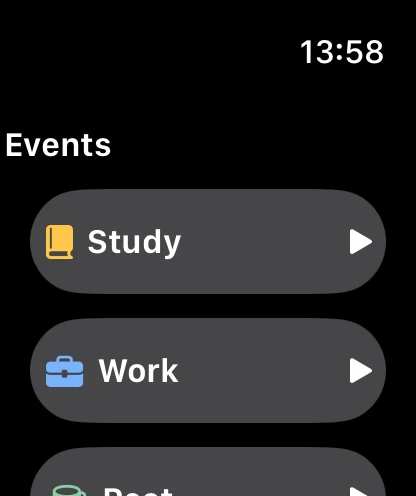
Pick an activity from your wrist, then use iPhone to correct or review the session later.
Give each activity a name, colour and icon. Start, pause, resume or stop on iPhone or Watch. Add or edit a record later if you forgot to log it.
Check activity shares by day, week, month or year, or use the calendar to revisit one date. With Apple Health permission, eligible entries can be compared using available heart-rate data.
Keep up to three unarchived activities for free. A one-time unlock adds unlimited activities, CSV export and backup and restore. Health samples are analysed in iPhone memory and kept out of ledger backups.
Create a ledger entry with a start, end and activity. To find a session from last month, choose a date range and activity, then search names or notes. Archiving an activity keeps its past entries available.
Filter by start time to compare morning study with morning work. The comparison uses available readings for measures such as heart rate and changes before and after an activity. The app shows when there are too few samples. The comparisons describe measurements for your own reference.
The free version supports three unarchived activities and timing on phone or watch. A one-time purchase unlocks unlimited activities, CSV and backups. Apple Health samples are used for analysis in memory, while the backup contains ledger data.
In Records, select an activity and enter the actual start and end times.
A one-time purchase unlocks CSV and backups. Apple Health samples are used for analysis in memory.