Pick a place and open a ticket
Choose a place, time and grace period, then add two to eight friends. Keep several gatherings open and share text invitations through the iOS share sheet.

WAITOWN
iPhone
Each meetup gets a ticket. The host checks people in on iPhone, and a pixel traveller enters the café as each friend arrives.
Preparing for the App Store

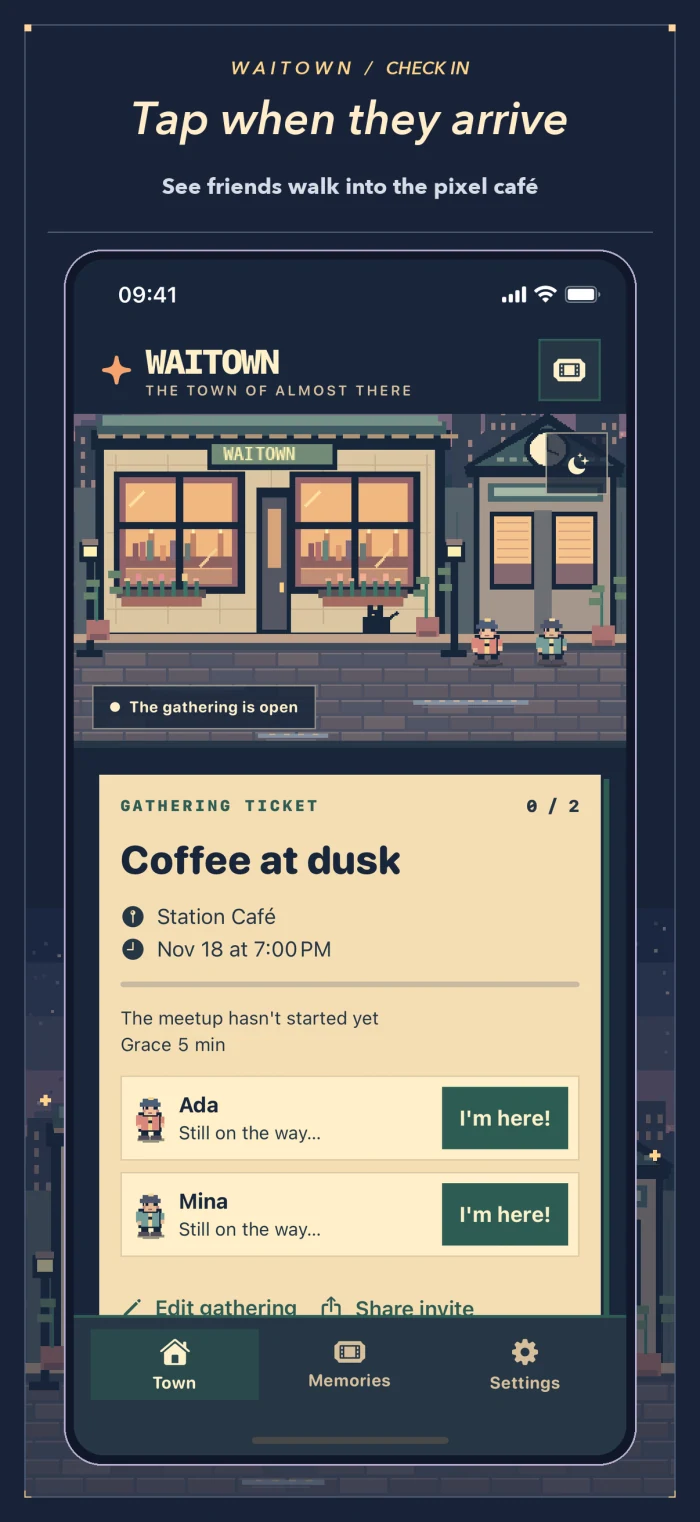
See the gathering time, guests and pixel café together. Each check-in records the actual arrival time.
Sample data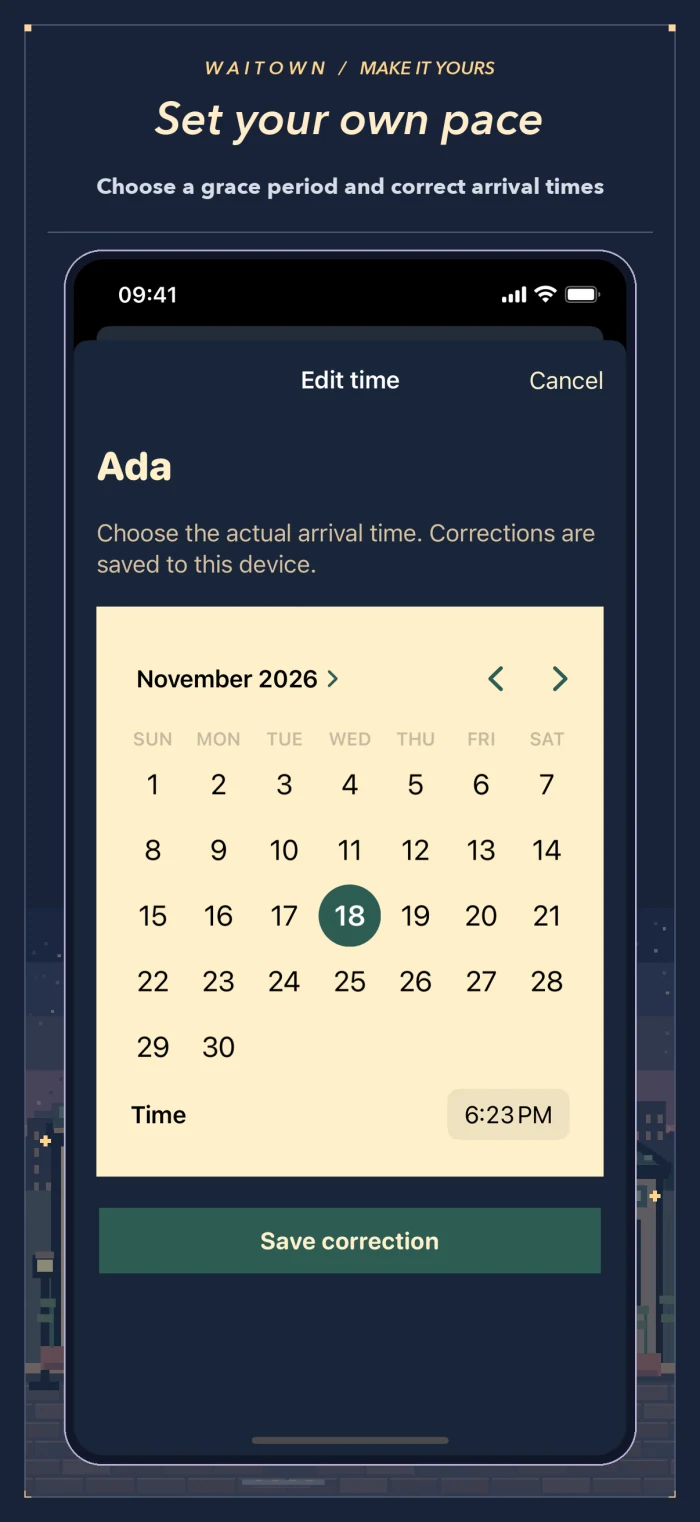
Use the time editor to catch up on a missed check-in or undo an accidental one.
Sample data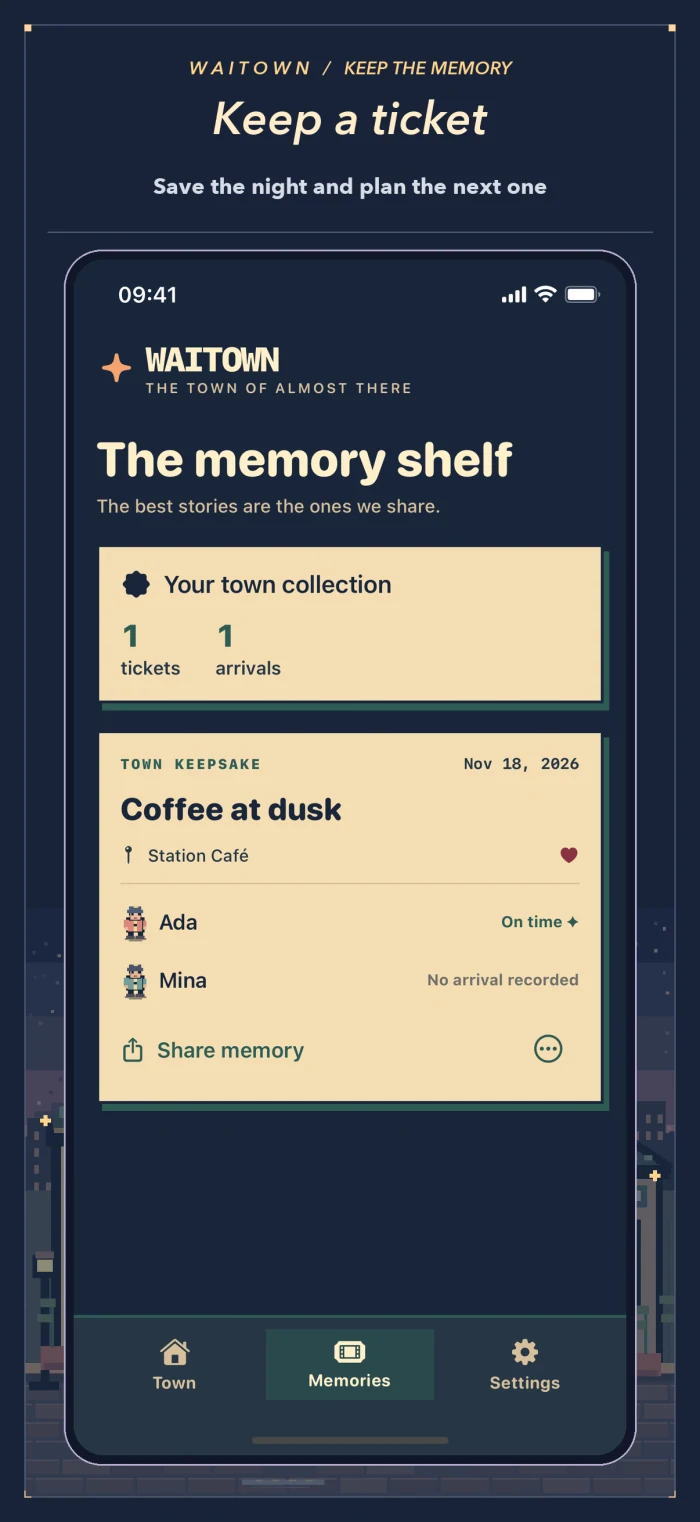
Find the full arrival record in Memories. Share a text recap or reuse the guest list for another meetup.
Sample data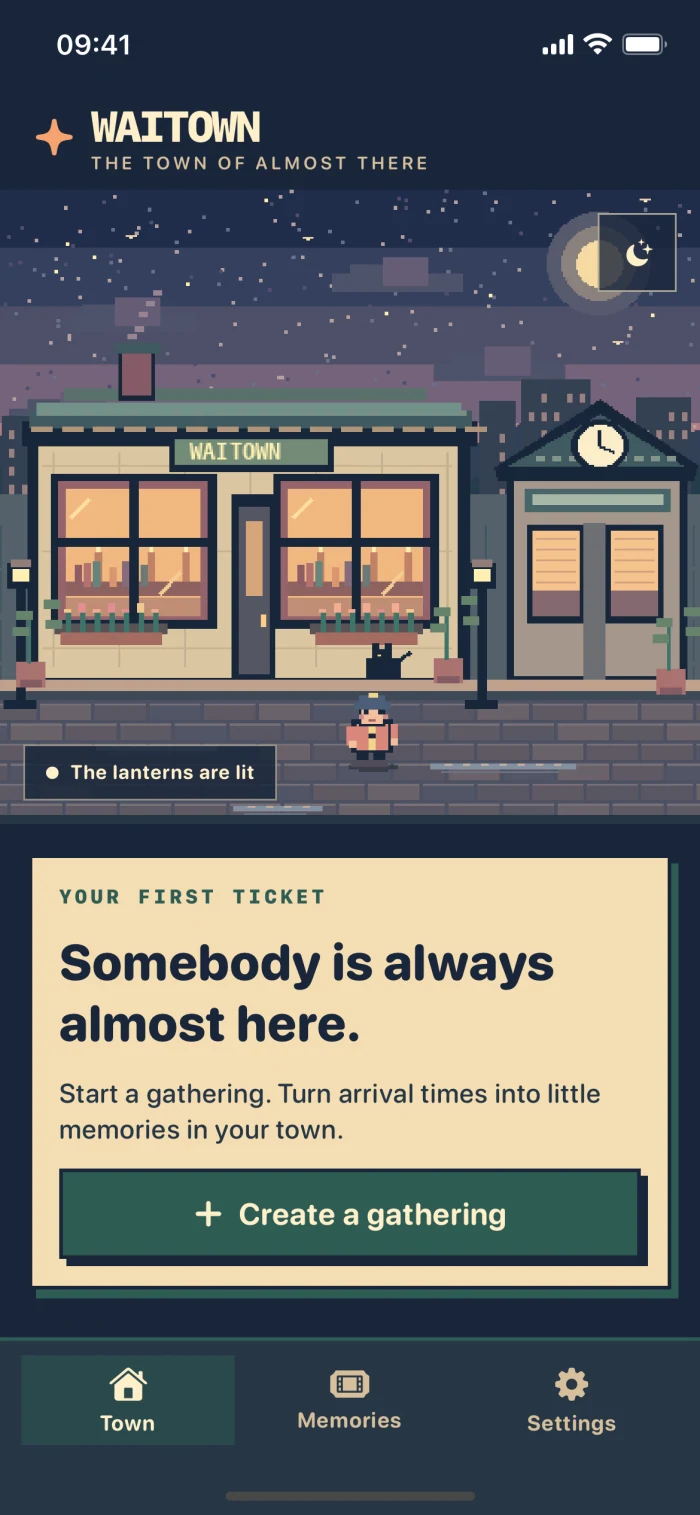
Between events, Town is still the starting point for a new gathering or a return to Memories.
Choose a place, time and grace period, then add two to eight friends. Keep several gatherings open and share text invitations through the iOS share sheet.
Tap to record a friend’s arrival. Correct a missed or mistaken entry afterward. The host manages check-ins on one iPhone without location access.
Save a keepsake ticket when the gathering ends. Share a text recap or use the same guest list next time. Event and check-in records stay on the device.
Create a meetup on the host’s iPhone with its time, location and grace period, then share the invitation as text. Keep several meetups open and switch between them. The host records arrivals on one device without asking friends to share their locations.
Undo a mistaken check-in or enter an actual arrival time later. Reopen a completed meetup if you missed something. Arrival information belongs to that meetup and remains on the device.
Memories keeps completed meetups and their tickets. Share a text recap if you like. For a group you see often, reuse a past guest list with a different time and place.
Yes. Open the guest’s time editor to enter the actual arrival time. You can also undo an accidental check-in.
Open the earlier gathering in Memories to start a new one with the same guest list.