Preview what the rule will capture
Add a URL, then track all text, matching lines or whether a keyword is present. Preview the match. The first successful check becomes the baseline.

PageTide
macOS 14+
Watch public HTTPS pages and keep a local history of text edits. Use it for notices, rules, schedules, or any page you keep reopening to check.
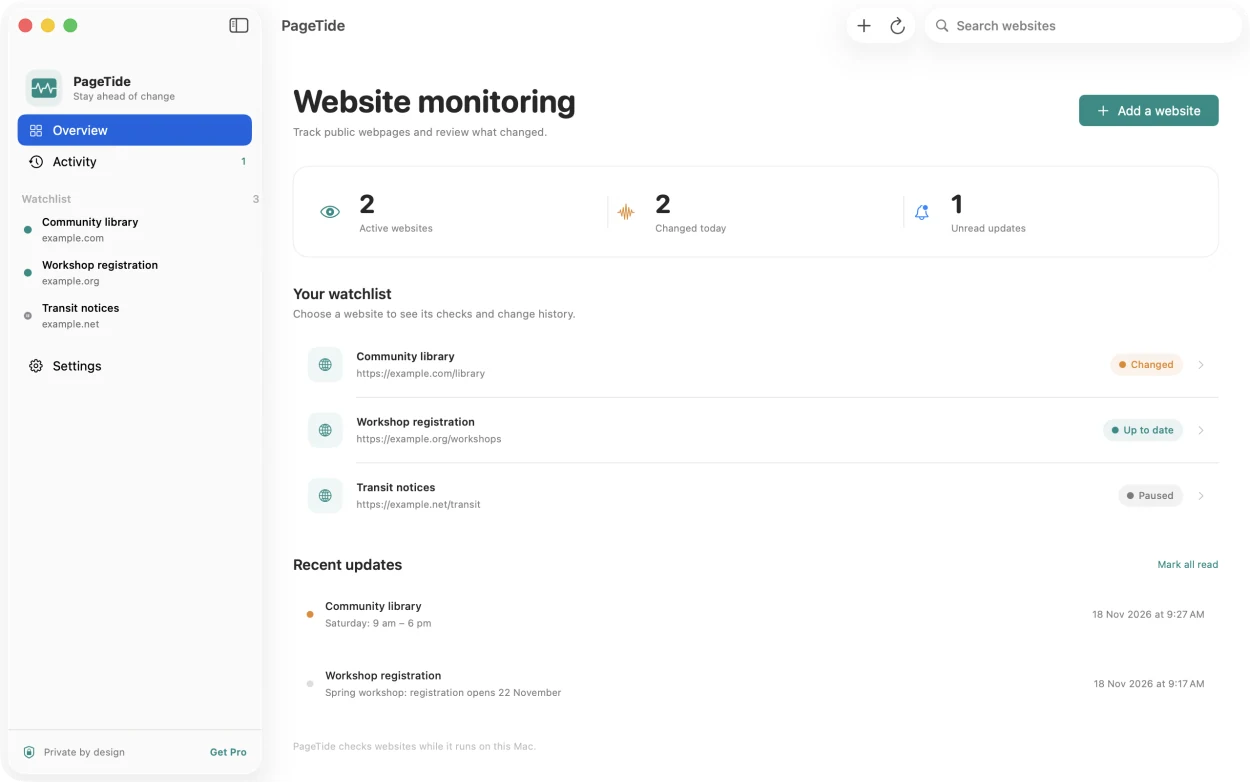
The watchlist shows the status of each public page and lets you check one immediately.
Sample data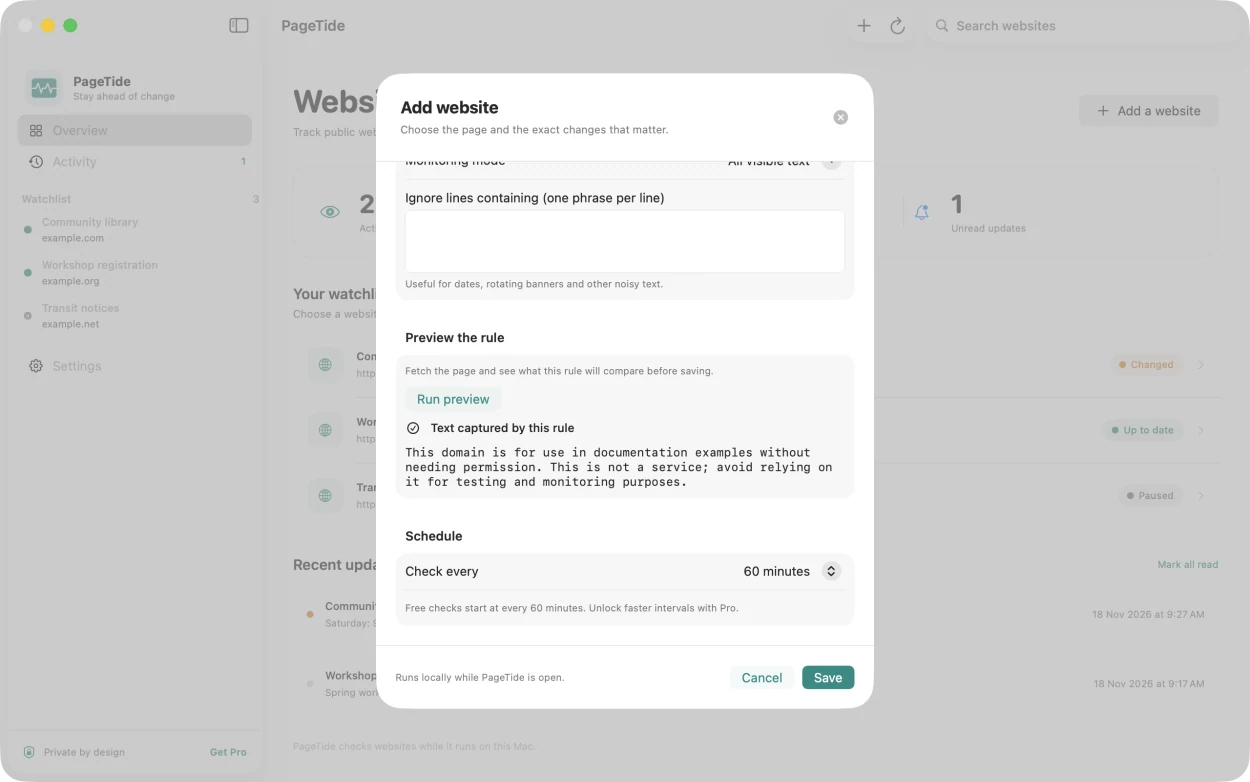
Try extracting the text before saving, so the whole page doesn’t become a watch for one announcement.
Sample data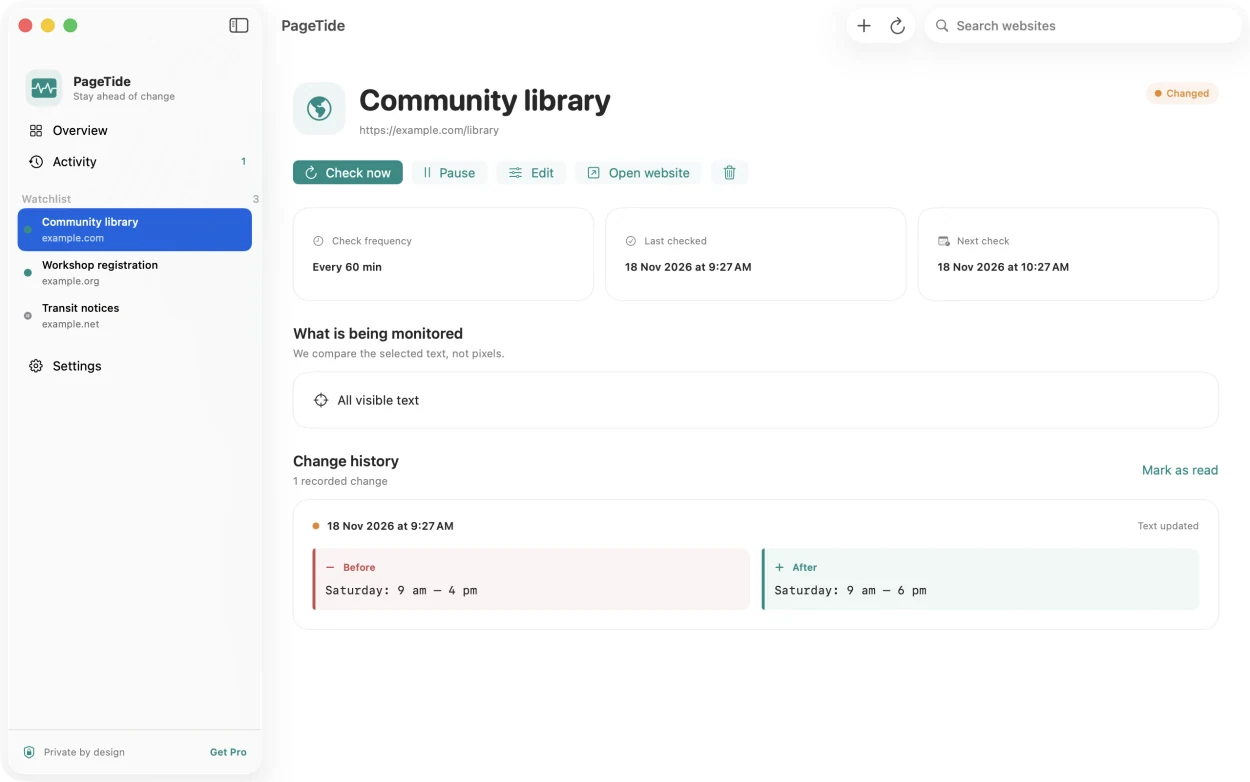
Open an activity item to see the earlier and later text together and decide whether to follow up.
Sample data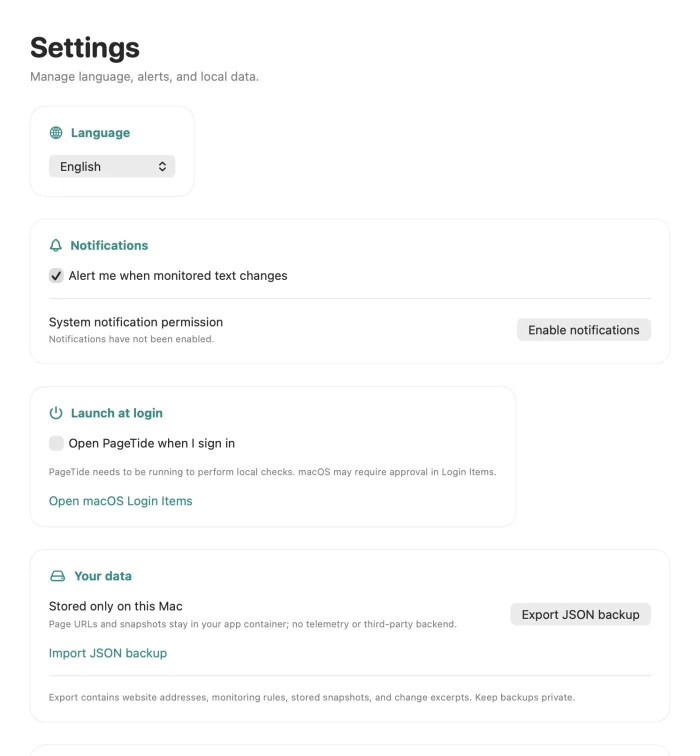
Choose whether to receive an alert when text changes and whether to open PageTide at login. Watch data stays on your Mac and can be backed up manually.
Add a URL, then track all text, matching lines or whether a keyword is present. Preview the match. The first successful check becomes the baseline.
See before and after excerpts in Activity, with an unread filter. PageTide compares server-rendered text, plain text or JSON available on public pages without login.
Scheduled checks run while your Mac is awake and PageTide is open. Check immediately from the menu bar or export a local backup in Settings.
− Closes 18 June+ Closes 21 June
Start with Preview to see the full page, then narrow to matching lines, the presence of a keyword or exclude a phrase that changes frequently. The first successful check establishes the baseline for later comparisons.
Filter Activity to unread entries and open one to read before and after excerpts. Use it for registration dates, opening hours or notices. It can read public HTTPS pages with server-rendered text, plain text or JSON.
Scheduled checks need PageTide open and the Mac awake. You can run a check immediately or back up watches and their history in Settings. The one-time Pro upgrade removes the watch-count limit and adds shorter intervals.
Set the part to extract and run a preview before saving to confirm it captures the text you want.
Open that change in Activity to read the previous and current extracts side by side.