Start with an invitation
Exchange a private code and approve the connection on both sides. Pause sharing, remove a connection, or use Sign in with Apple to recover your account.

PulseTogether
iPhone · Apple Watch
Connect with someone by private invitation, see a recent shared heart-rate reading, or send a quiet “thinking of you”. Location sharing is unnecessary.
App interface shown in Traditional Chinese
App interface · sample data
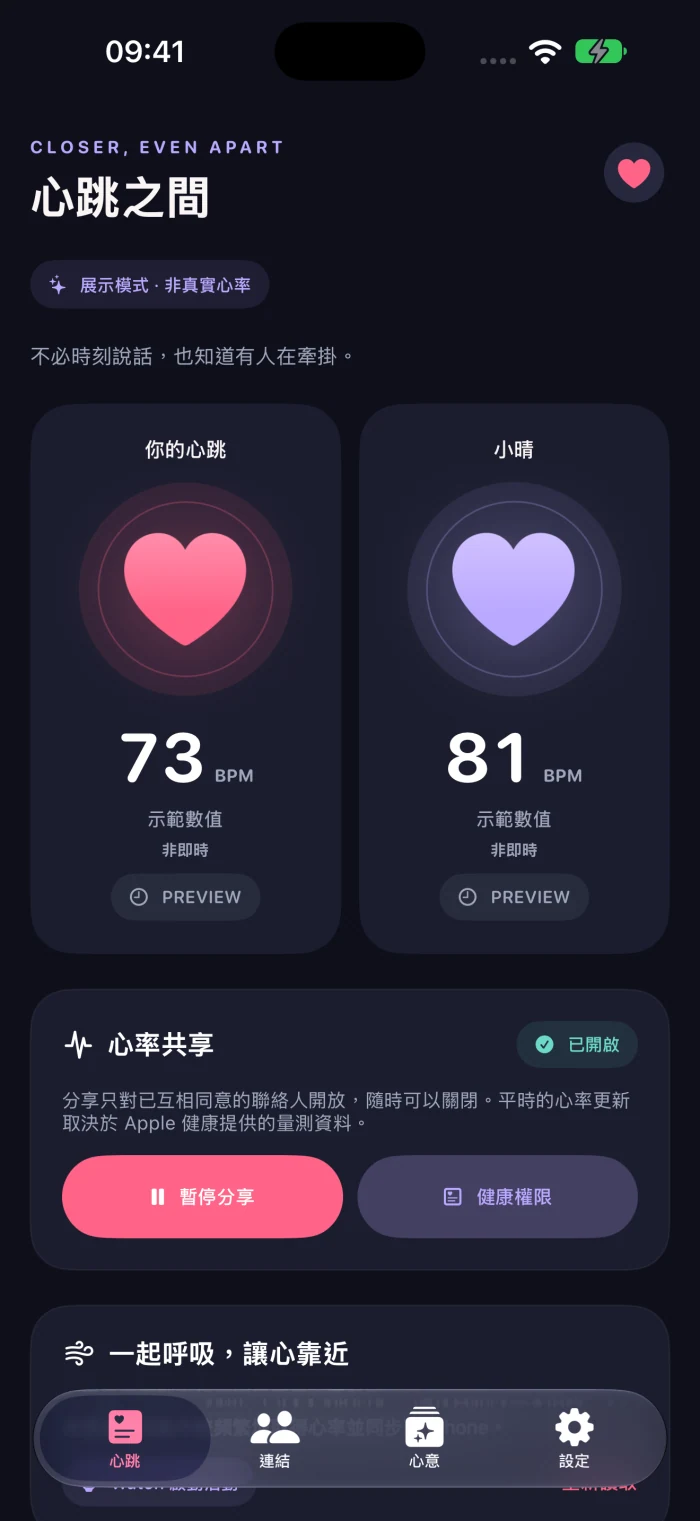
The dashboard places your reading beside one from a connection and shows when it was taken. Values in this screenshot come from the app’s demo mode.
App interface shown in Traditional Chinese · Sample data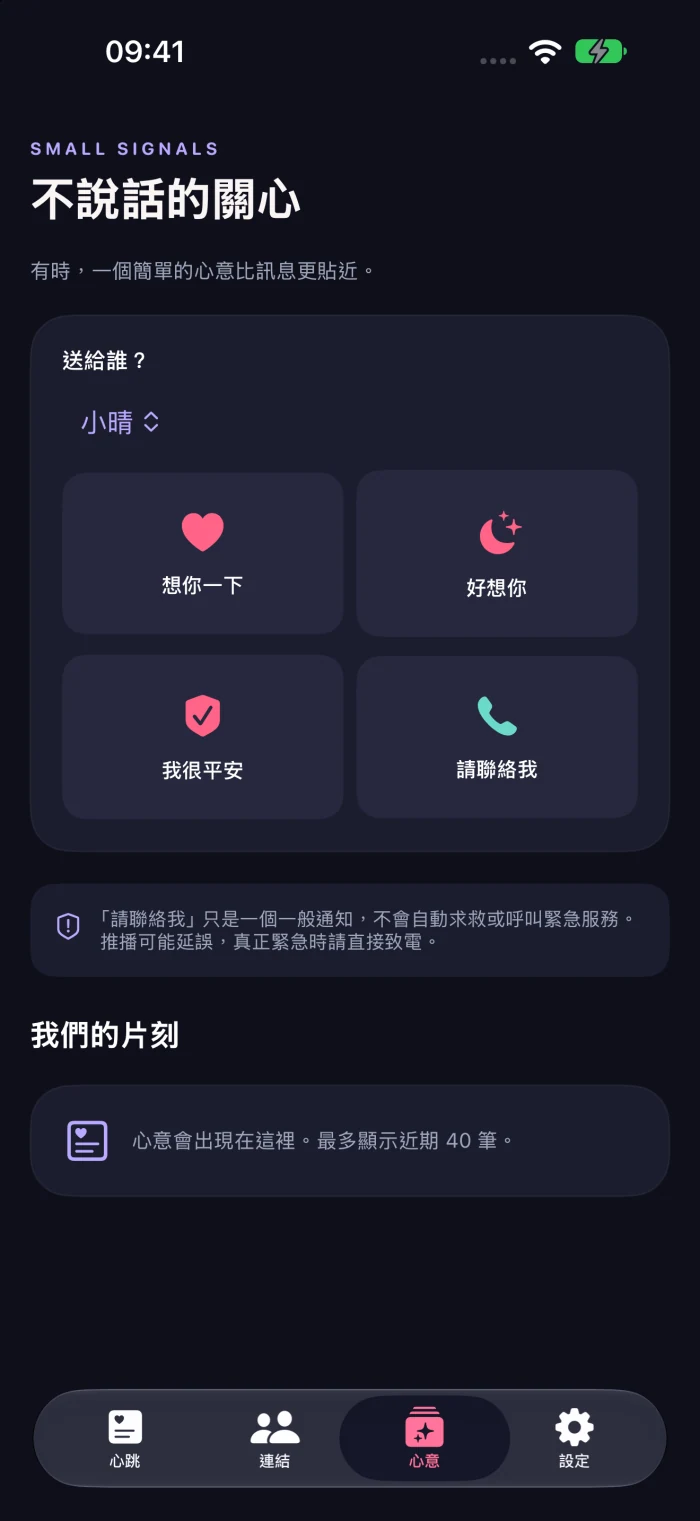
Select a connection before sending a thought, check-in or request to get in touch. Recent moments appear below.
App interface shown in Traditional Chinese · Sample data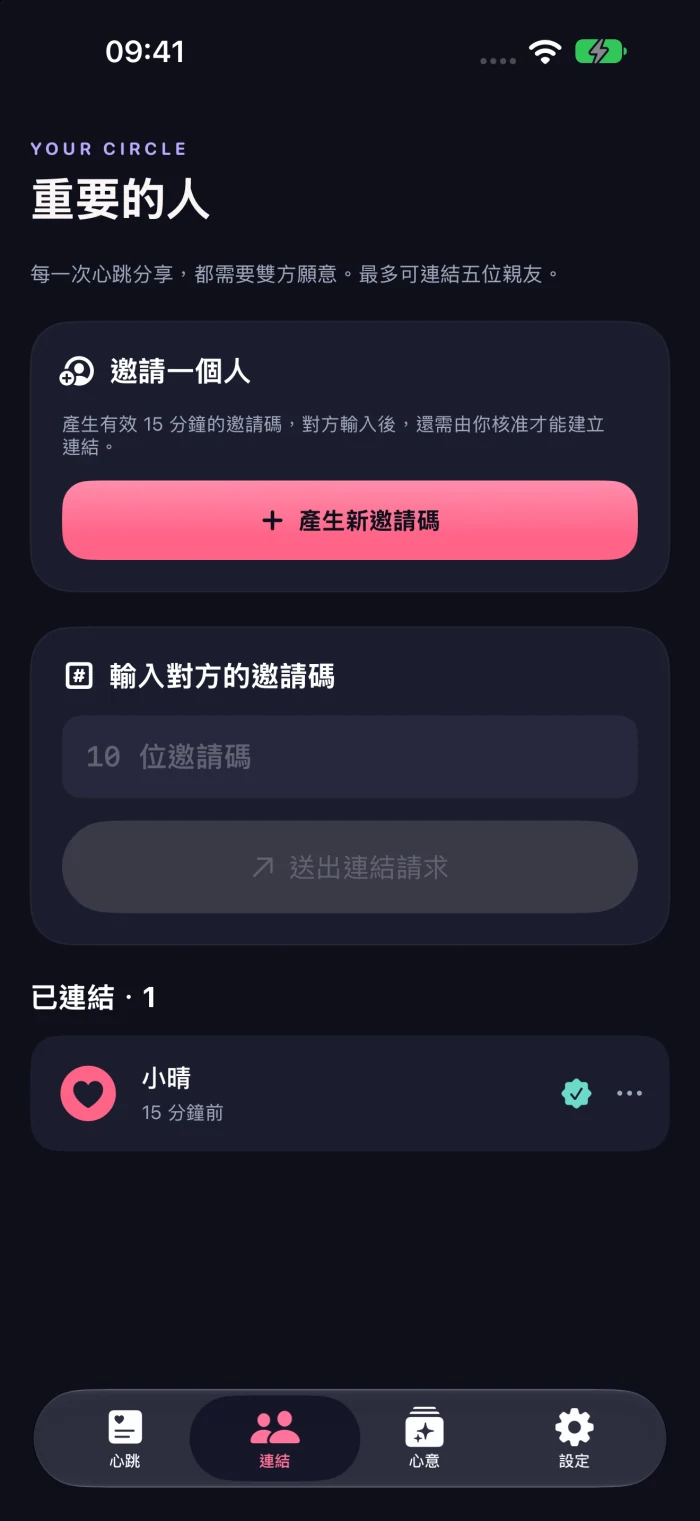
Create an invite, input a code and review requests in one place. Shared readings are visible only to approved connections.
App interface shown in Traditional Chinese · Sample data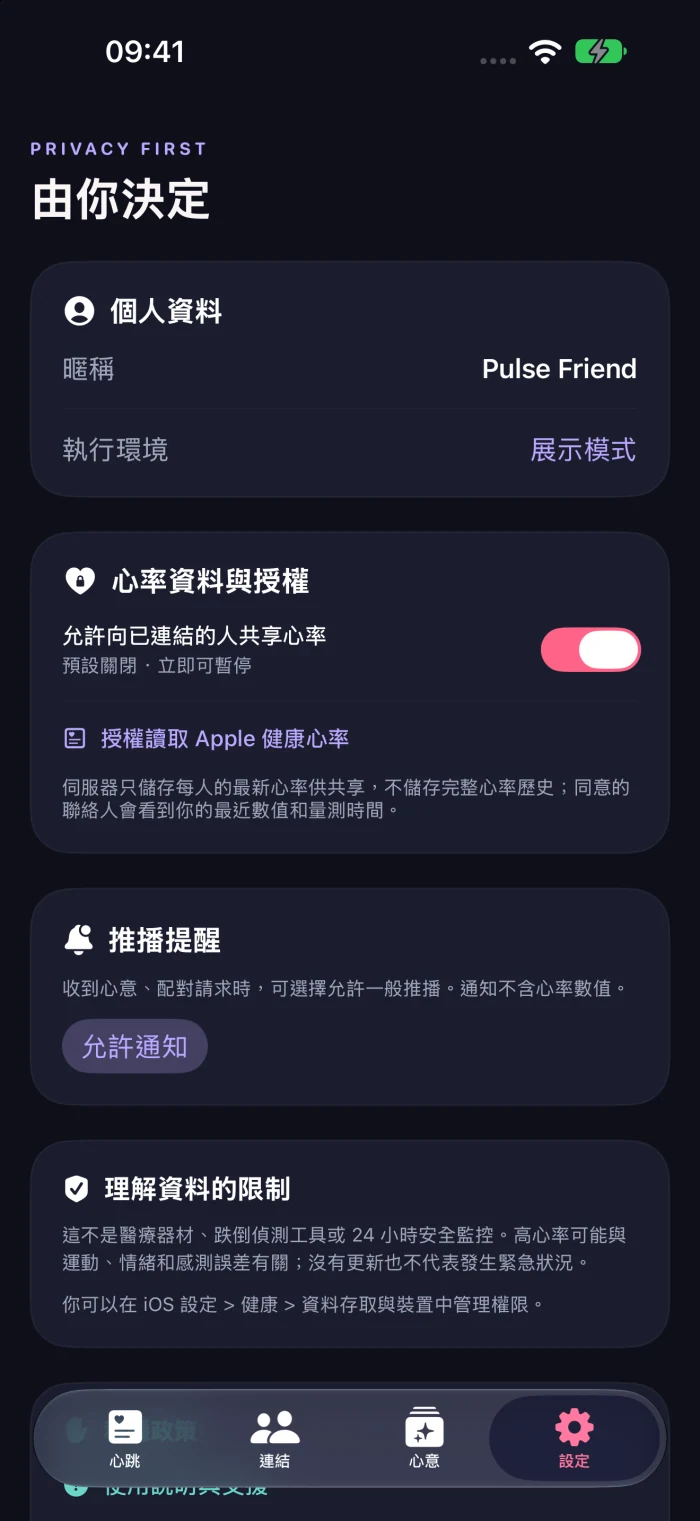
Settings separates Apple Health access from sharing with your connections. You can keep a connection while pausing sharing.
App interface shown in Traditional Chinese · Sample data
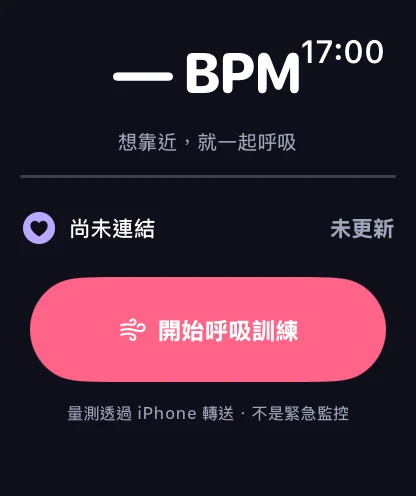
Start breathing practice on the watch to make available readings from the session shareable. Sync runs through the phone and network.
App interface shown in Traditional Chinese · Sample dataExchange a private code and approve the connection on both sides. Pause sharing, remove a connection, or use Sign in with Apple to recover your account.
See the latest available heart rate alongside its timestamp. Start a breathing session on Apple Watch to share readings captured during it. Background sampling and sync can be delayed.
Send a thought, a check-in or a request to get in touch. Heart-rate readings are for everyday sharing.
One person sends an invitation, the other enters the code or opens the invitation, and both approve the link. Only then can you see a shared reading and its timestamp. Pause your own sharing in Settings or remove a person from Connections.
Everyday readings depend on recent samples the Apple Watch already captured. Readings show when they were taken and can become stale. Start a breathing session on the watch to share available readings during the exercise. Transfer through the phone and network can be delayed.
Send a thought, a check-in or a request to get in touch to a specific contact. Recent moments are available in the app. Watch permissions can be revoked, and account deletion is available in iPhone Settings within the app. Pairing and synchronisation require a connection.
It shows the last successfully synced sample and its measurement time. The watch, phone and network affect how quickly it updates.
Yes. Pause sharing in Settings and your approved connections stay in place.