Pick a stock before you leave
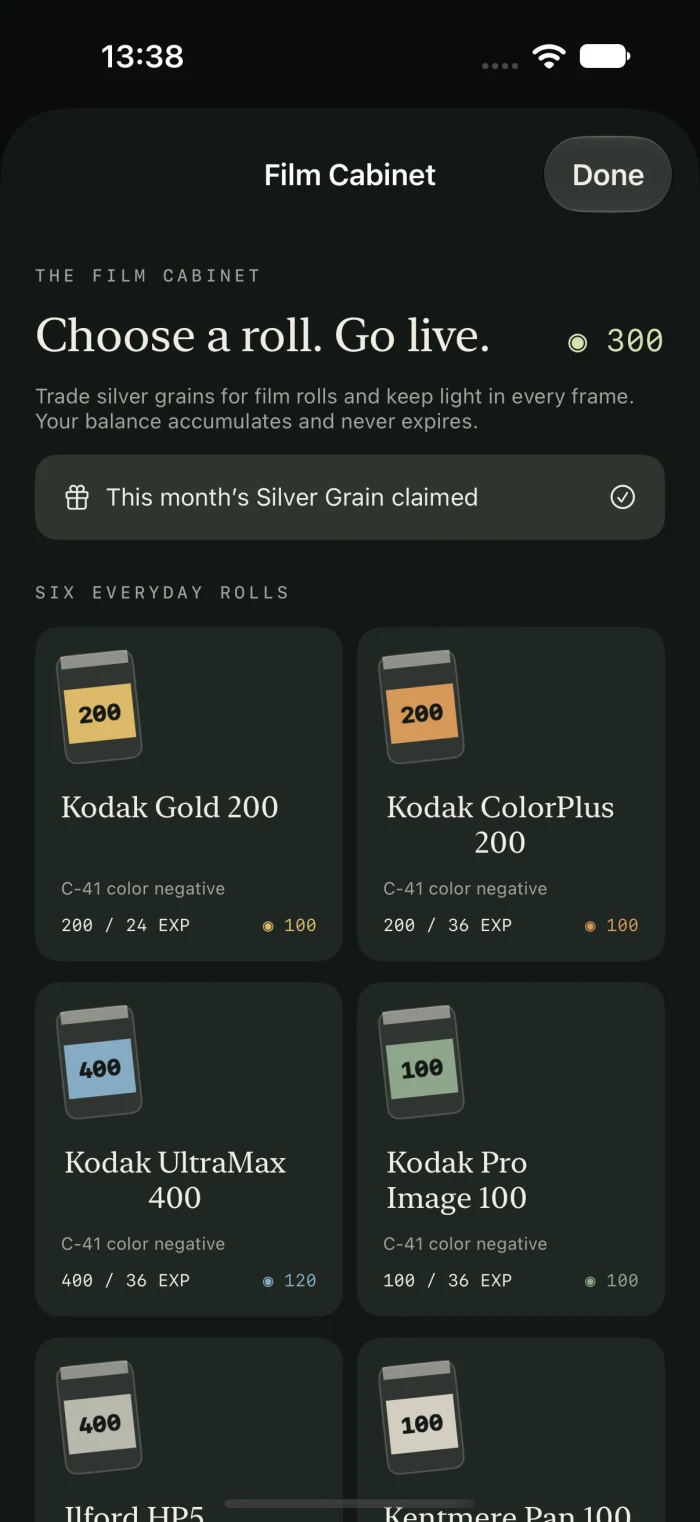
Choose warmth, monochrome or cooler tones. Each stock has its own colour curve, grain and halation. Six of the twelve are free, with the rest available as a one-time unlock.

Stillroom
iPhone
Load a roll, carry it for a few days, then wait for the darkroom. Stillroom brings the pace of a finite roll to iPhone.
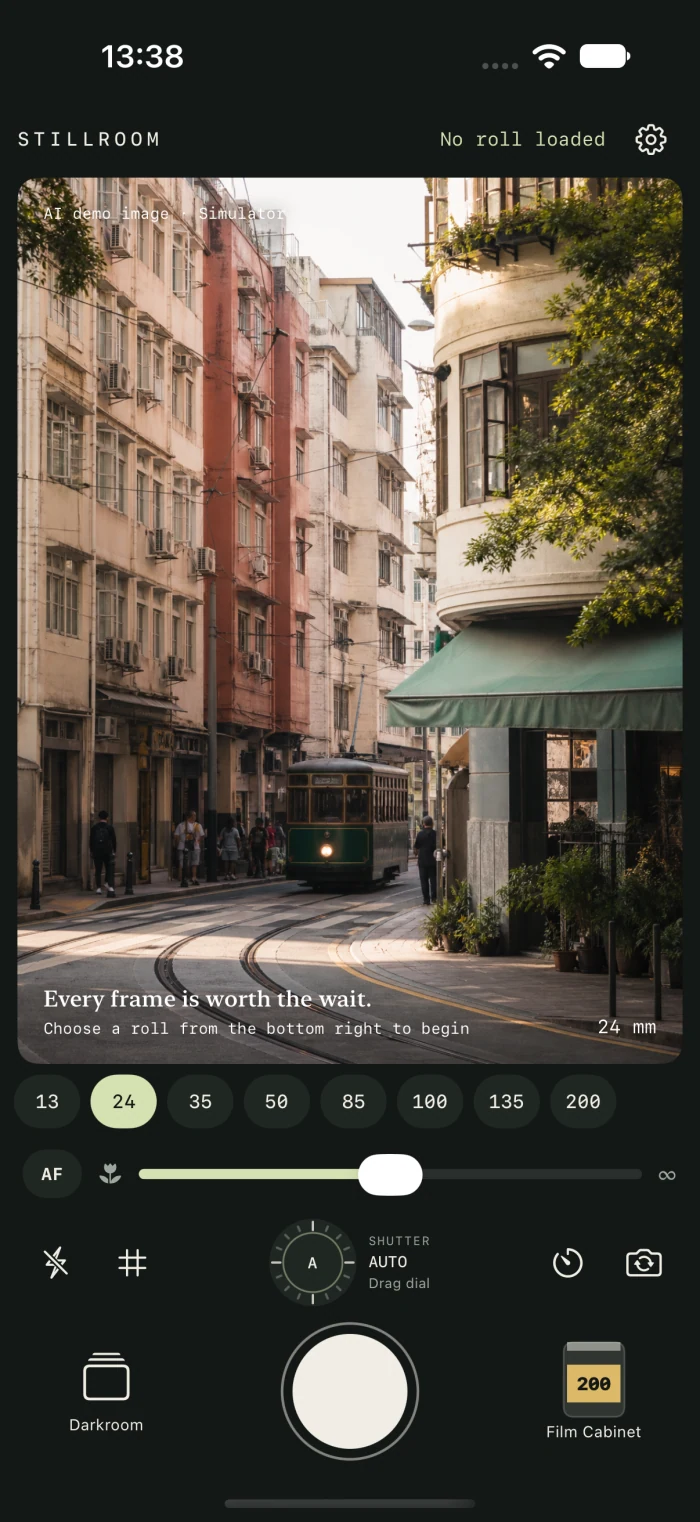
Focal length, exposure and remaining frames sit by the shutter, so you can make the decision before taking the shot.
Simulator viewfinder · demo scene
The cabinet shows which stocks you can redeem and which rolls you already own. Warm, monochrome and cool stocks each have their own grain and halation.
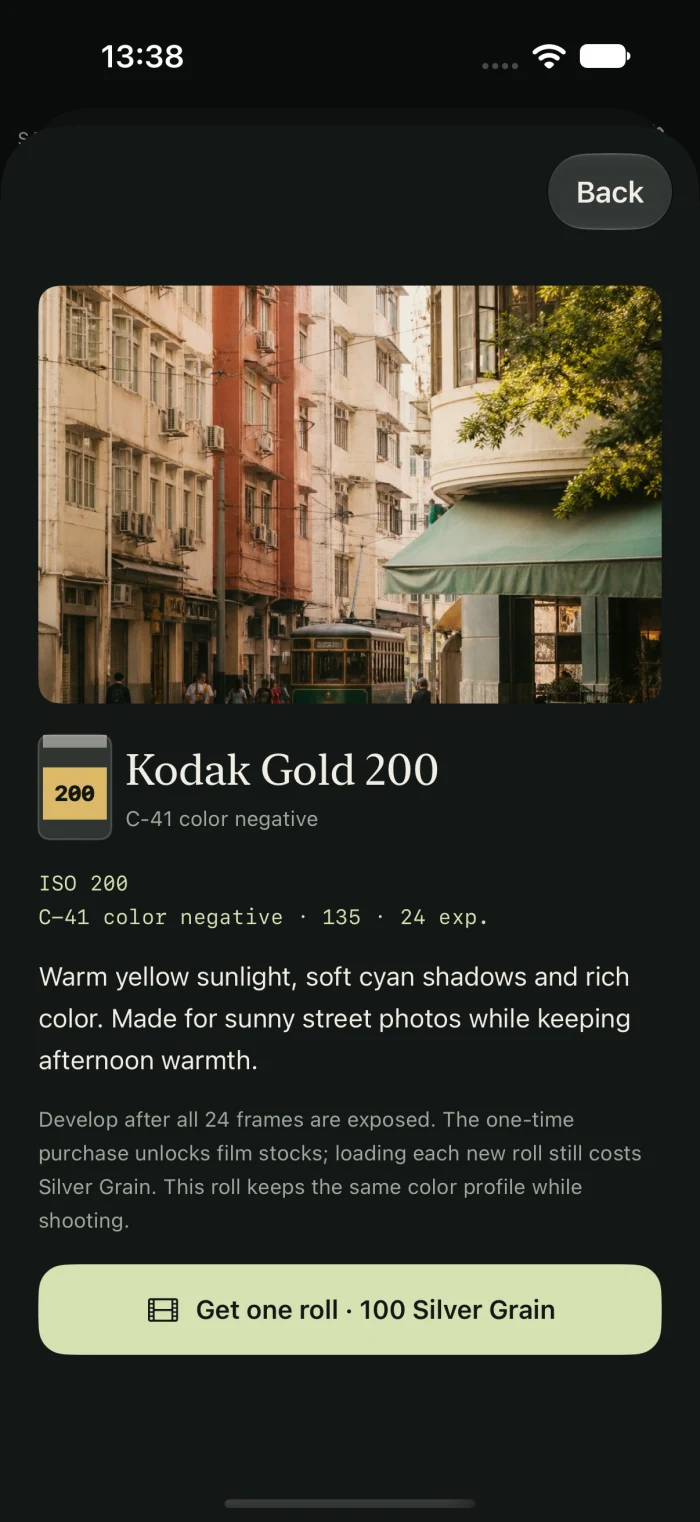
Open a stock to see its frame count, look and redemption requirements. Once loaded, the shutter adds frames to that roll in sequence.
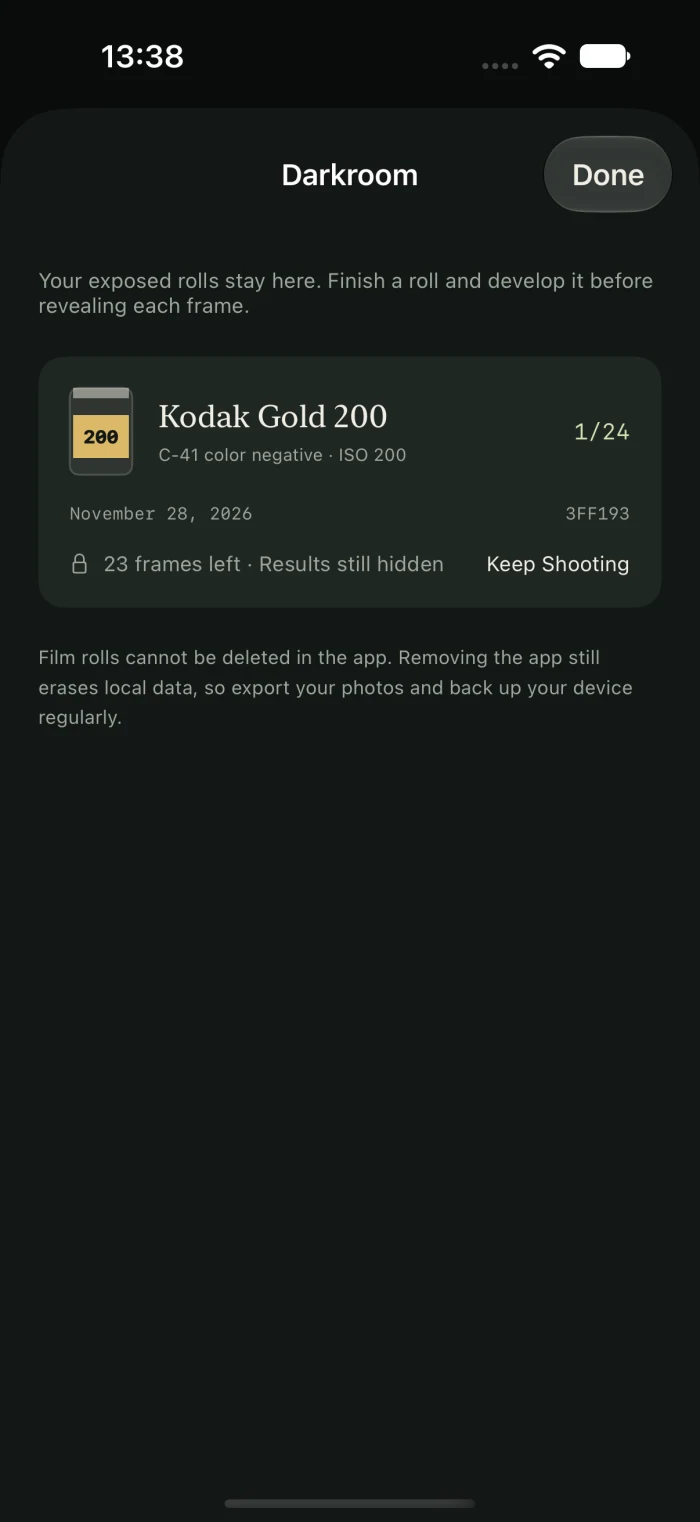
The darkroom groups photos by roll. After development, review frames in order or export a film strip.
Choose warmth, monochrome or cooler tones. Each stock has its own colour curve, grain and halation. Six of the twelve are free, with the rest available as a one-time unlock.
Switch between 13 and 200 mm equivalent focal lengths and adjust shutter speed, exposure compensation or manual focus. Lenses and crop options depend on the iPhone.
Once the roll develops, look through the frames together. A street corner, dinner and the walk home sit next to each other in the order you shot them. Capture and development run on the device.
Switch between front and rear cameras, turn on the composition grid or shoot in landscape. The 13–200 mm settings are equivalent focal lengths: physical lenses and crop availability depend on your iPhone. Use exposure and manual focus to keep detail in backlight or focus through glass.
Compare a developed photo with its original and adjust intensity, grain or bloom. Add a note if you want to remember where it was taken. The library can import existing photos. Studio adds batch application of a look and the ability to save, import and share recipe files.
Export finished photos or put the frames from a roll in order on a film strip. Six stocks are free. A one-time Studio unlock adds six more and more monthly credits. Capture, film simulation and darkroom processing all happen on the iPhone.
Capture, film simulation and development run on your iPhone.
The free version includes six stocks. The one-time Studio unlock adds six more and increases the monthly allowance.